Release 1.2.4 - Your whole pattern, on one page
What's new in Beadloo
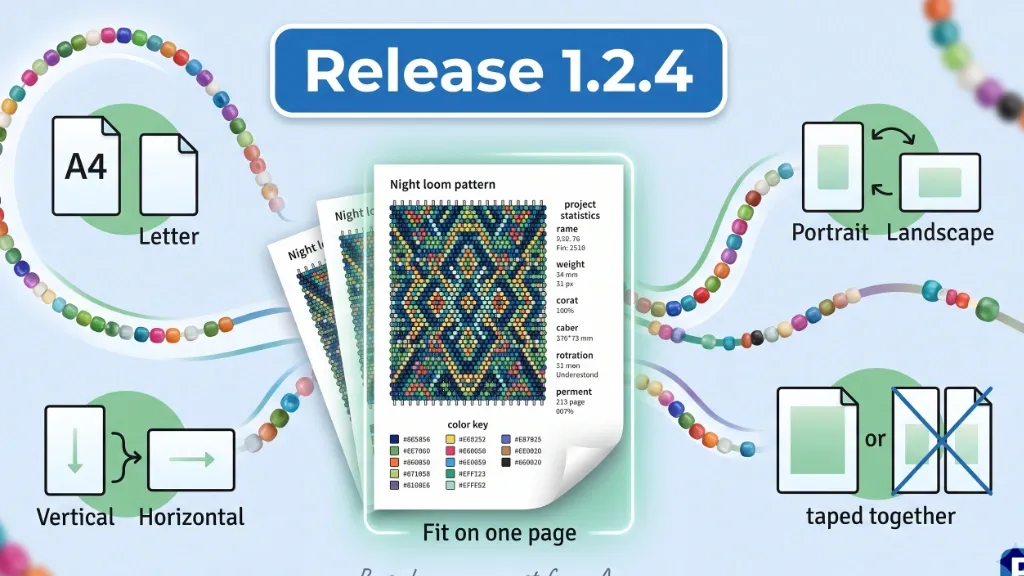
Exporting a PDF just got a lot more flexible. Beadloo can now fit any pattern onto a single sheet of paper, and the new Page setup lets you choose the paper, the orientation, the colors and which way your pattern lies. Prefer bigger beads? You can still split a pattern across pages.
- A4 · Letter
- Portrait · Landscape
- Lightened · Original colors
- Vertical · Horizontal pattern
- Fit on one page · Split across pages
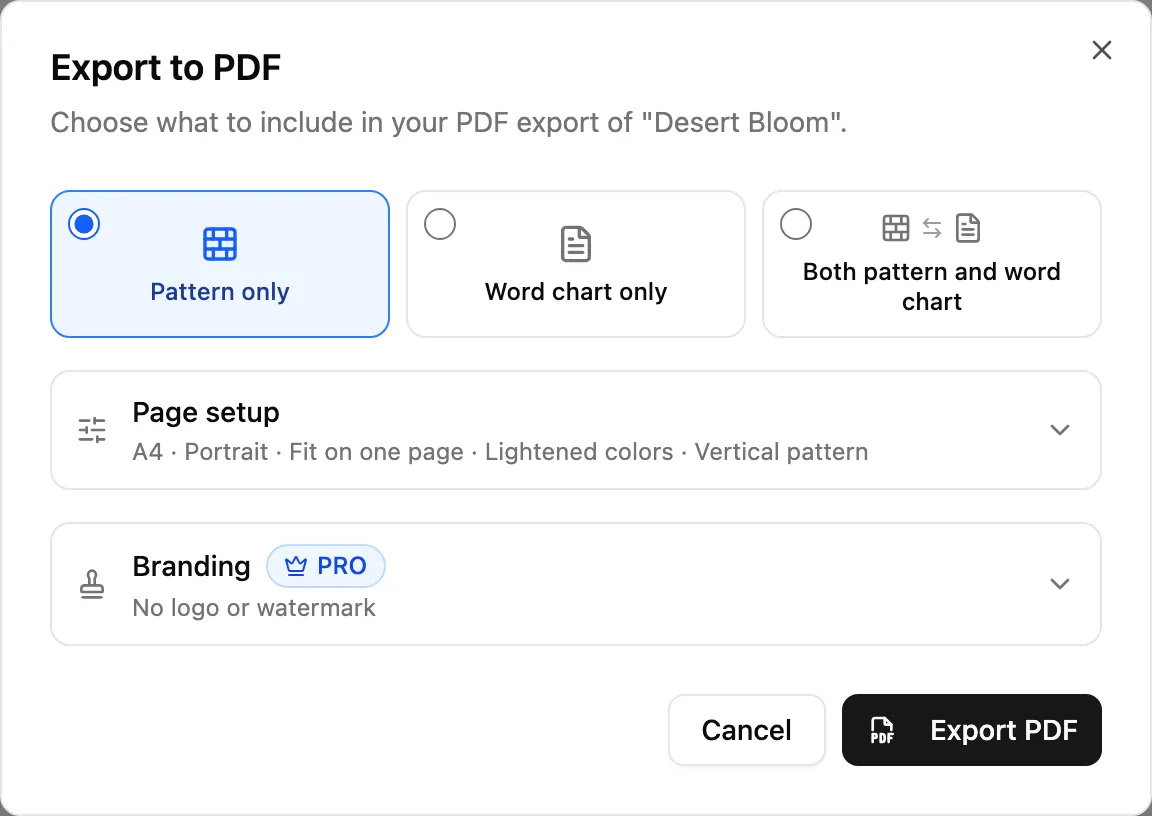
The Export to PDF dialog. Page setup stays folded away until you need it, and its summary line shows what you'll get.
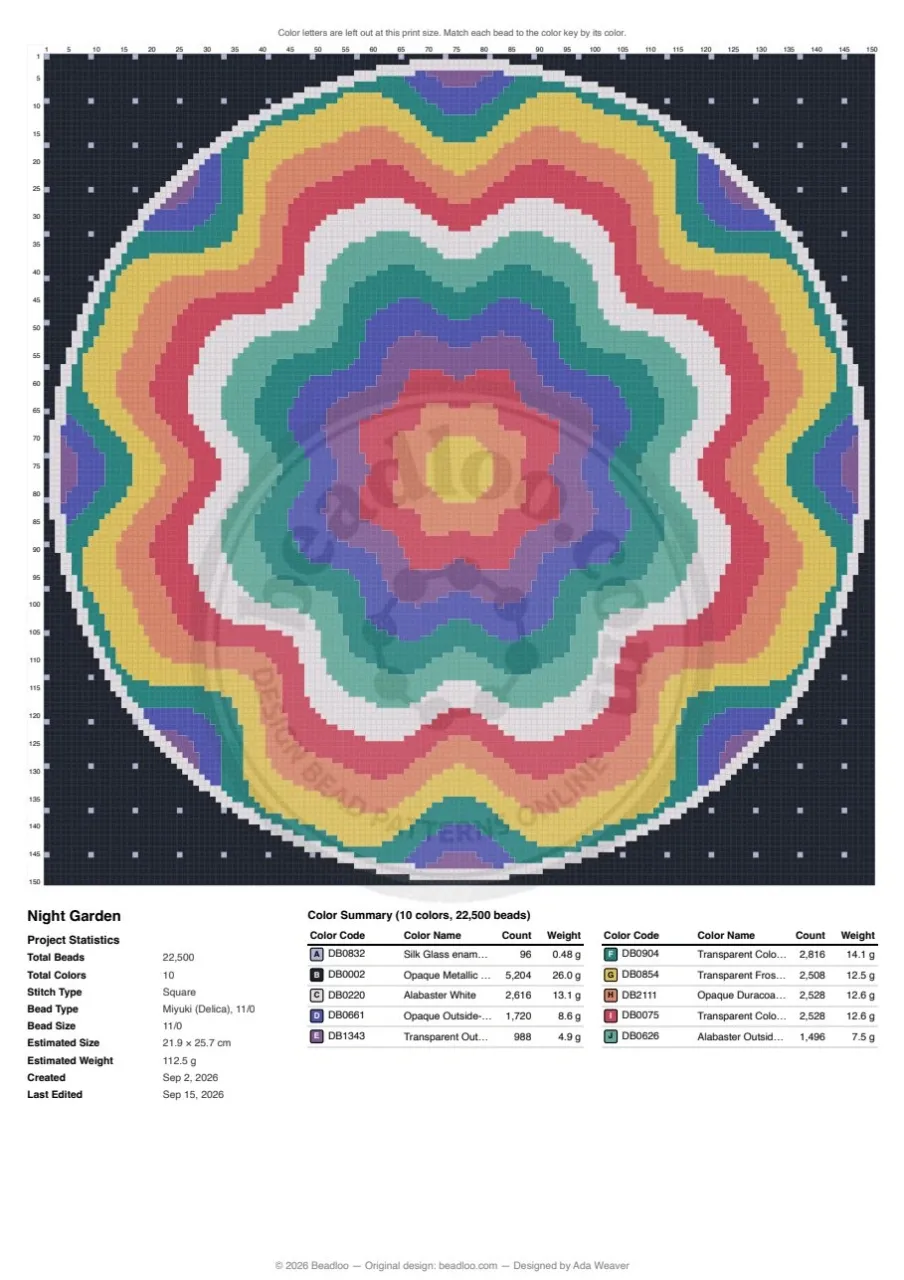
A 150 × 150 bead pattern on one A4 page, with its statistics and color key. Example pattern
A request from our community
Thank you, Ana
Printing a whole pattern on a single page was Ana's request. She told us what she needed, and Fit on one page is the result. Thank you, Ana! Ideas like yours shape what we build next.
In this update
What's new at a glance
- Fit on one page
Any pattern fits on a single page, whatever its size. - Split across pages
Bigger beads over several pages, ready to tape together. - Info and color key on the same page
Statistics and the key sit beside or below the pattern when there's room. - Advice for very large patterns
The dialog tells you when letters get too small, and what to do about it. - A4 or Letter, portrait or landscape
Print on the paper you actually have. - Pattern orientation
Turn a long bracelet sideways so it runs across the page. - Original colors
Print the real bead colors instead of lighter tints. - Earring pages redesigned
Diagrams, statistics and every color fit on the page. - Branding previewPRO
Your logo and watermark, previewed on your chosen paper. - Printer-friendly pages
A quarter-inch margin, and your choices remembered for next time.
Getting started
How to export a PDF
- Open the export
In the editor, select the PDF button at the top right. You can also export from a project card on your dashboard, or on a phone from the More tools menu. - Choose what to include
The pattern, the word chart, or both. - Check the page setup
The summary under Page setup shows your paper, orientation, layout, colors and pattern orientation. If it looks right, skip ahead. Otherwise, open it and change what you need. - Select Export PDF
Beadloo remembers your choices on this device, so your next export starts the same way.
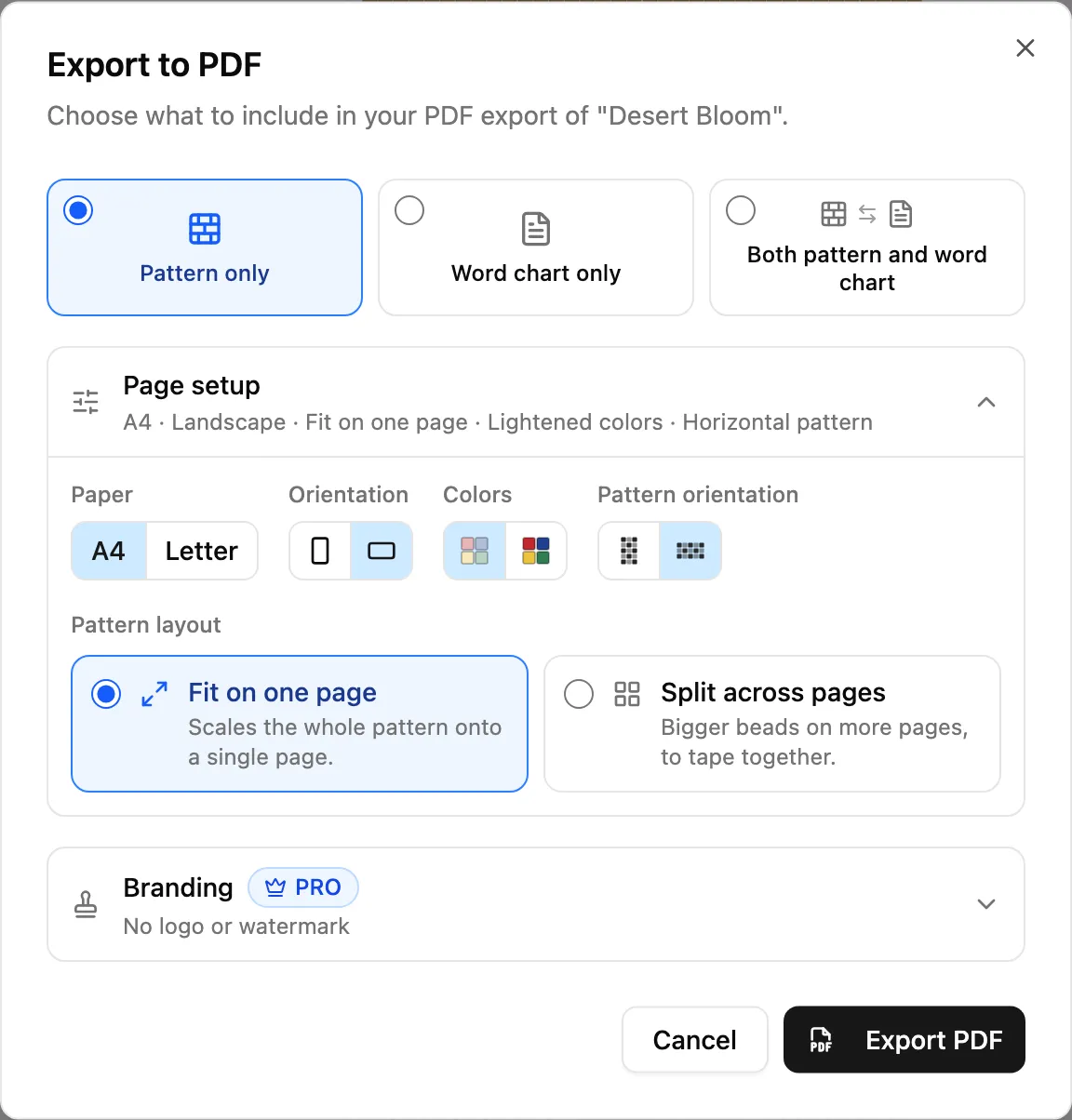
Page setup, opened. Paper, orientation, colors and pattern orientation sit on one row, and the layout cards sit below them. Hover over an icon to see its name.
Layout
Fit on one page
Fit on one page is the new default. Beadloo sizes the beads so the whole pattern fits on a single sheet, so a pattern no longer spills onto a second page because of a few extra rows.
Your project statistics and color key share the page whenever there's room, beside or below the pattern, so everything you need is on one sheet.
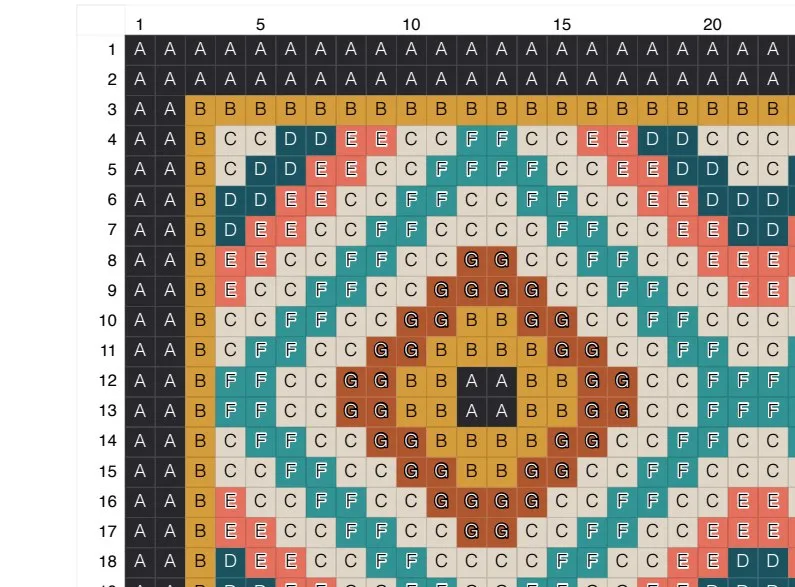
The color letters stay in every bead as long as they can be read. On A4 portrait that covers patterns up to about 118 beads across. A 100 × 100 pattern still prints with letters, at about 1.9 mm per bead.
Before this update, a pattern wider than 50 beads or taller than 70 rows was always split across several pages, and the statistics and color key often got their own pages too.
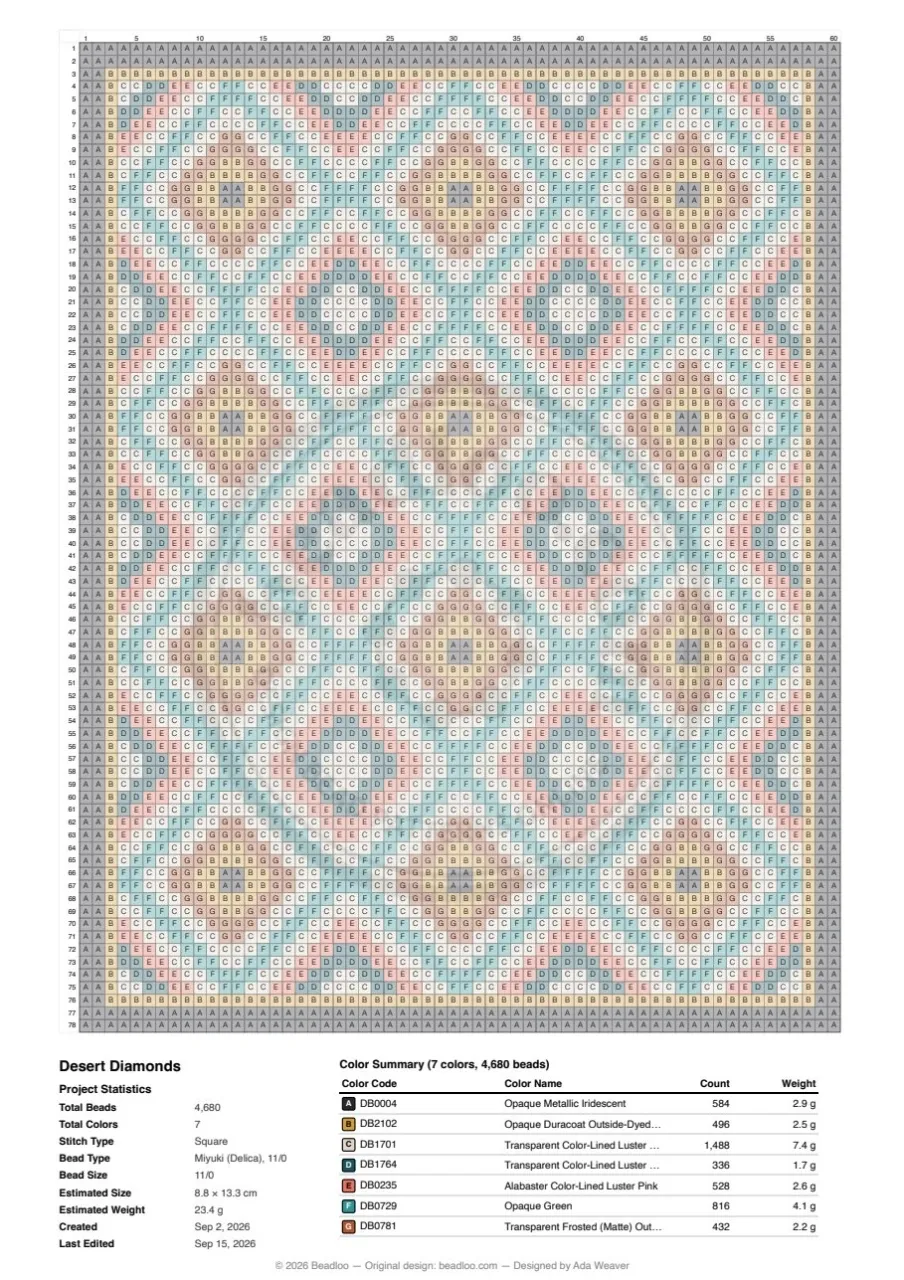
A 60 × 78 pattern at about 2.9 mm per bead, with letters, statistics and the color key on one A4 page. Example pattern
Very large patterns
Helpful advice when beads get tiny
A very large pattern still fits on one page, but its beads can get too small for letters. The beads then show color only, and a short note at the top of the page says so.
The export dialog tells you before you export and suggests what you can do:
- Split across pages to keep the letters. The dialog tells you exactly how many pages that takes.
- Turn the page to landscape, when that alone keeps the letters. The dialog only suggests it when it helps.
- Switch to original colors, which are easier to match to the color key without letters.
You'll see this advice even while Page setup is closed, so it's hard to miss.
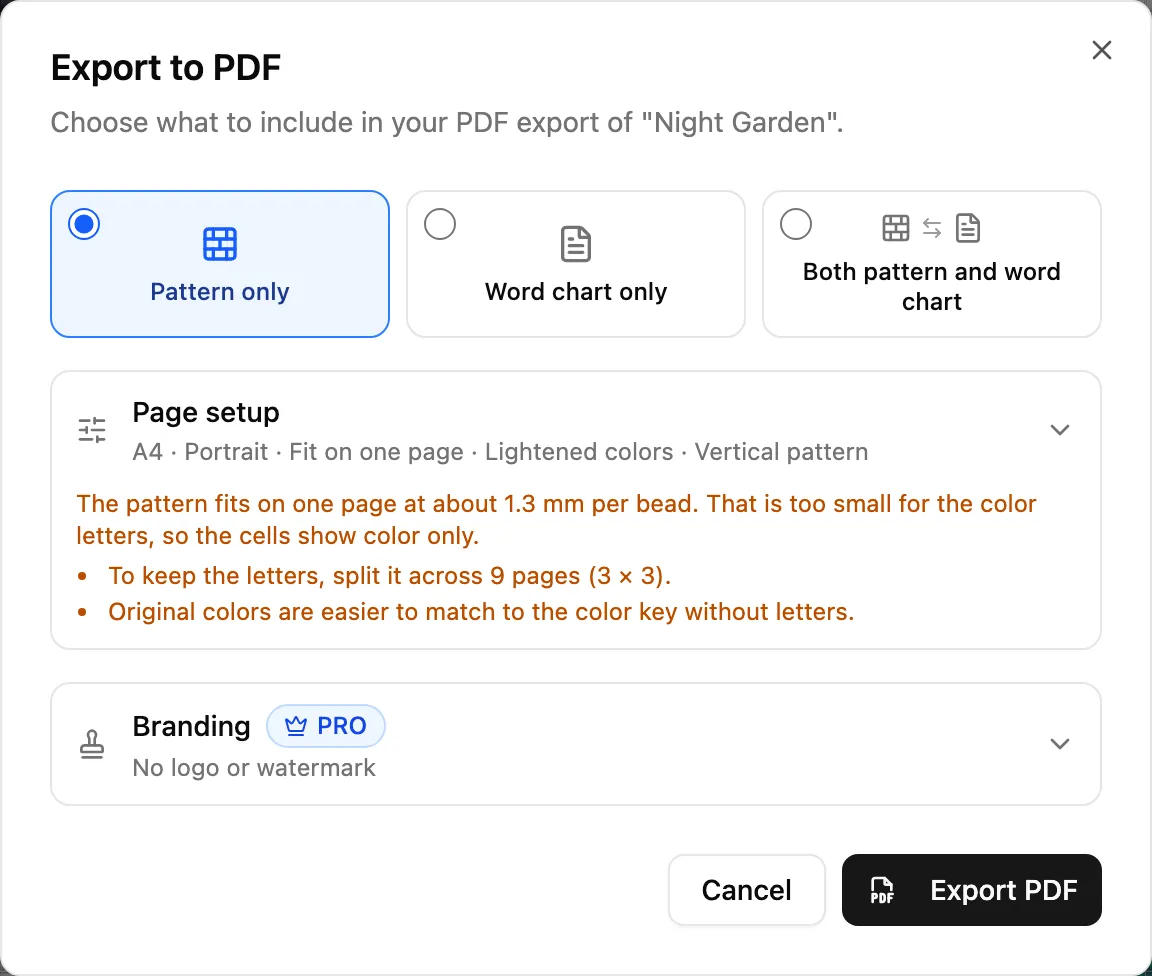
Night Garden is 150 × 150 beads. On one A4 page it prints at about 1.3 mm per bead, so the dialog suggests 9 pages to keep the letters.
Layout
Split across pages
Choose Split across pages when you'd rather bead from big, easy-to-read cells. Every bead prints at about 3.75 mm, and the pattern carries on from page to page in reading order, so each page is as full as it can be.
Every page is labeled with its section, the columns and rows it holds, and its page number, so it's easy to lay the pages out in order and tape them together. The statistics and color key go on the last page when there's room.
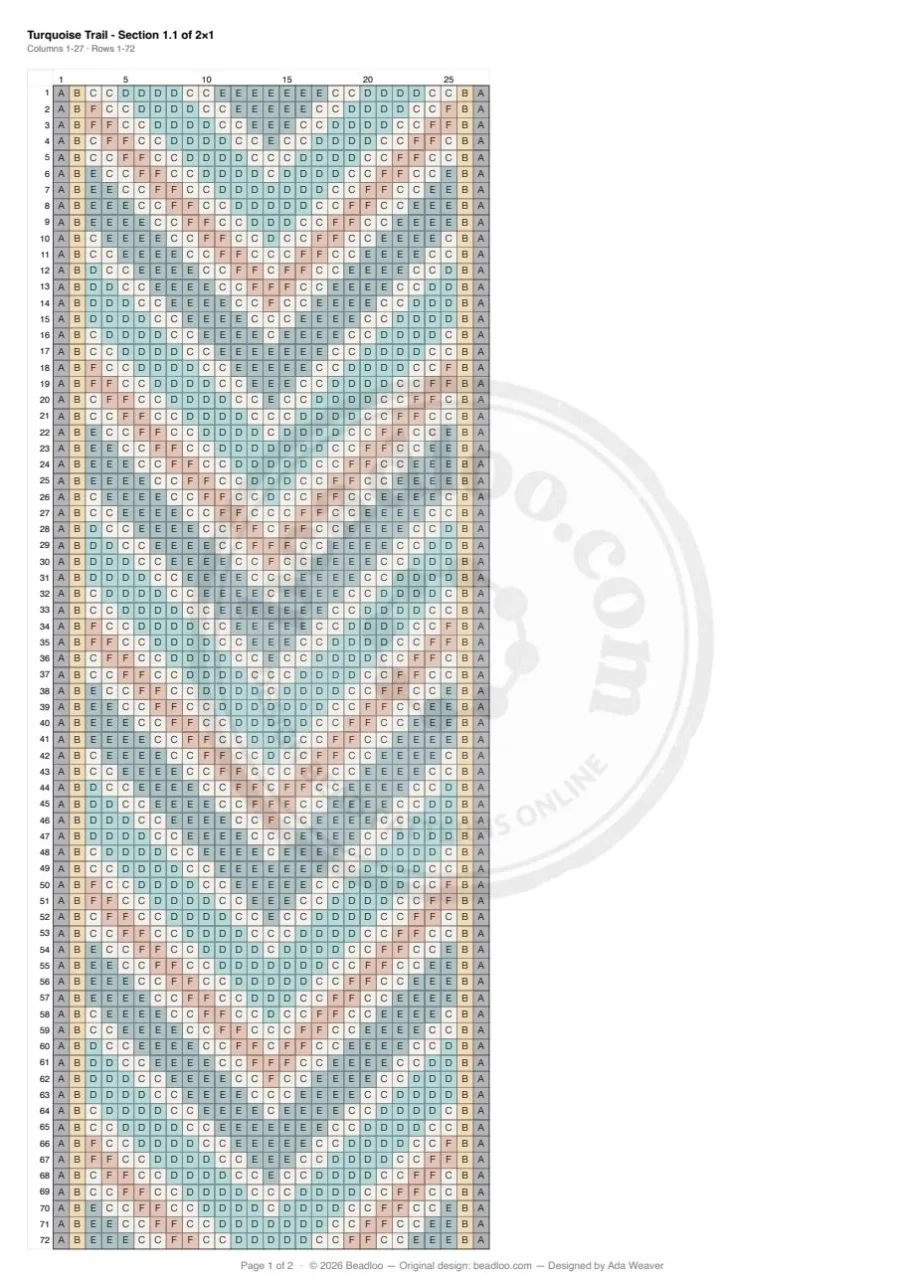
Rows 1–72 of a 27 × 95 bracelet.
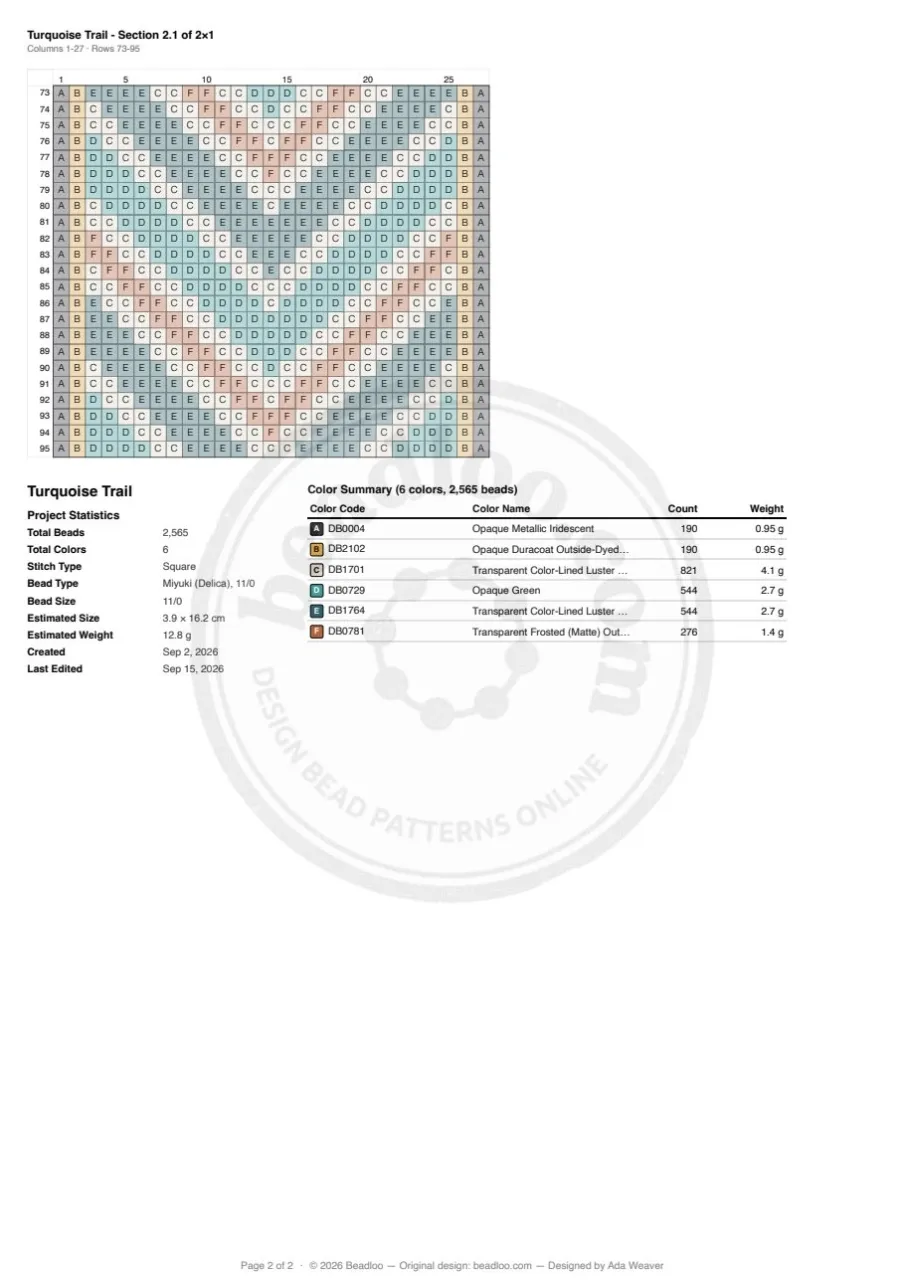
Rows 73–95, with the statistics and color key.
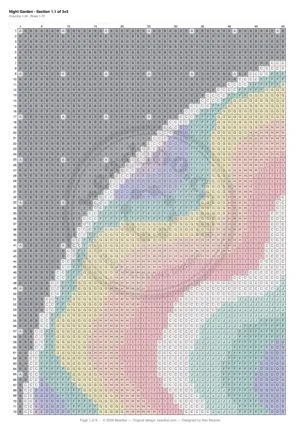
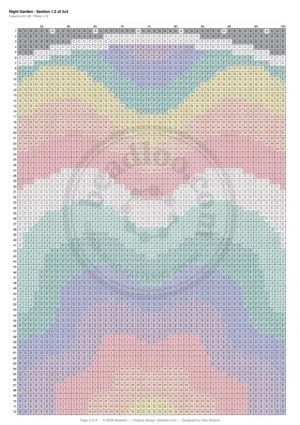
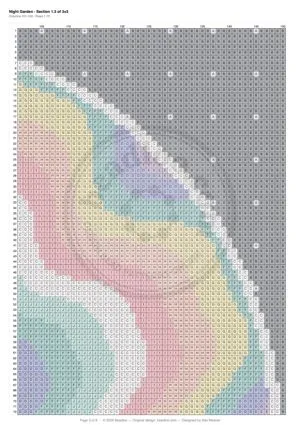
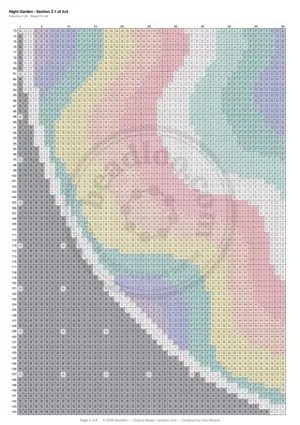
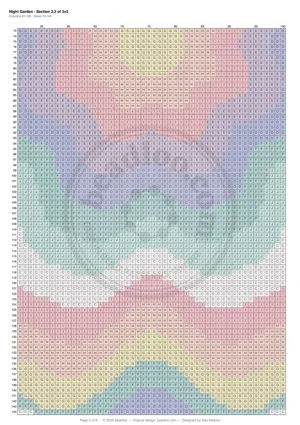
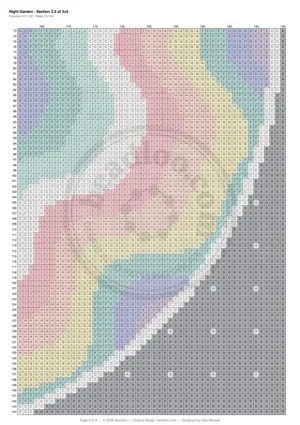
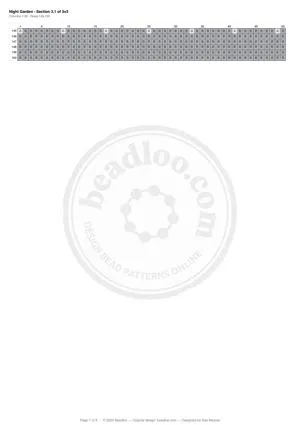
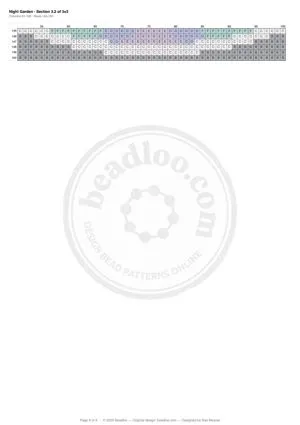
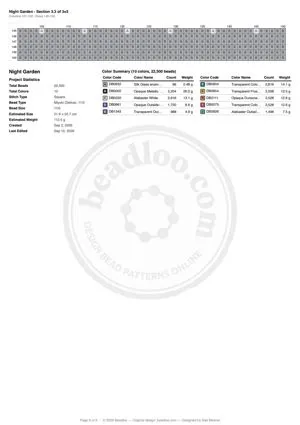
The same Night Garden, split into 9 A4 pages (3 × 3), with letters in every bead.
Paper
A4 or Letter, portrait or landscape
Pick the paper that's in your printer, and turn the page to landscape for wide patterns.
The first time you export, Beadloo picks the paper that's usual where you are, based on your browser's language settings. That's Letter in the US, Canada, Mexico, the Philippines and parts of Latin America, and A4 everywhere else. You can change it anytime, and Beadloo remembers your choice.
Tip
Word chart exports use your paper and orientation too.
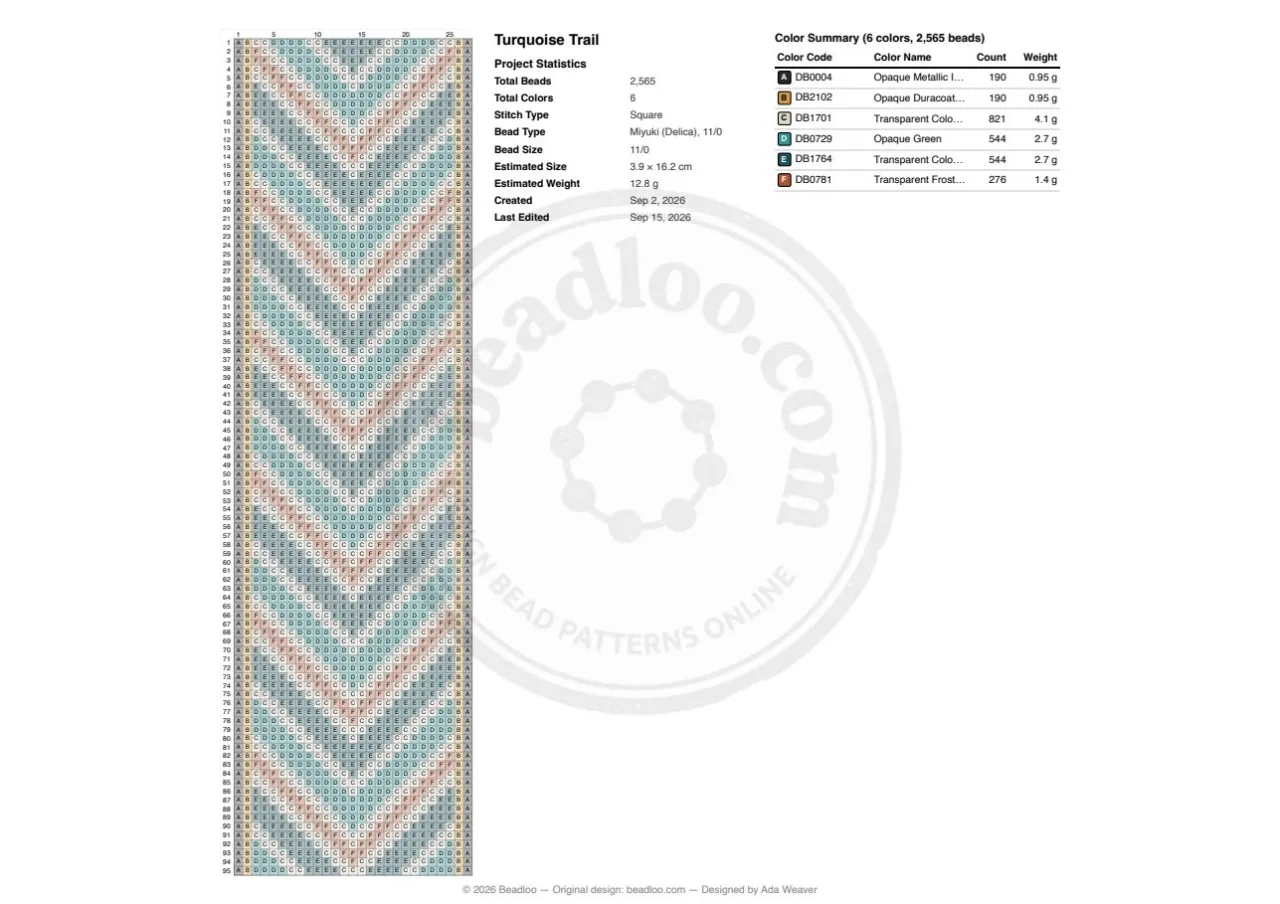
On a landscape page, the statistics and key can sit in columns beside the pattern.
New choice
Pattern orientation
Vertical prints your pattern the way you see it in the editor. Horizontal turns it a quarter turn counterclockwise, so a long bracelet can run across the page. The numbers and letters turn with it, just as if you'd turned the paper.
That makes a big difference for long patterns. On A4 landscape, a 27 × 95 bracelet prints at about 2.0 mm per bead standing upright, and at about 2.9 mm lying horizontally: its beads are about 45% bigger.
Try this
For bracelets, choose Landscape and a Horizontal pattern.
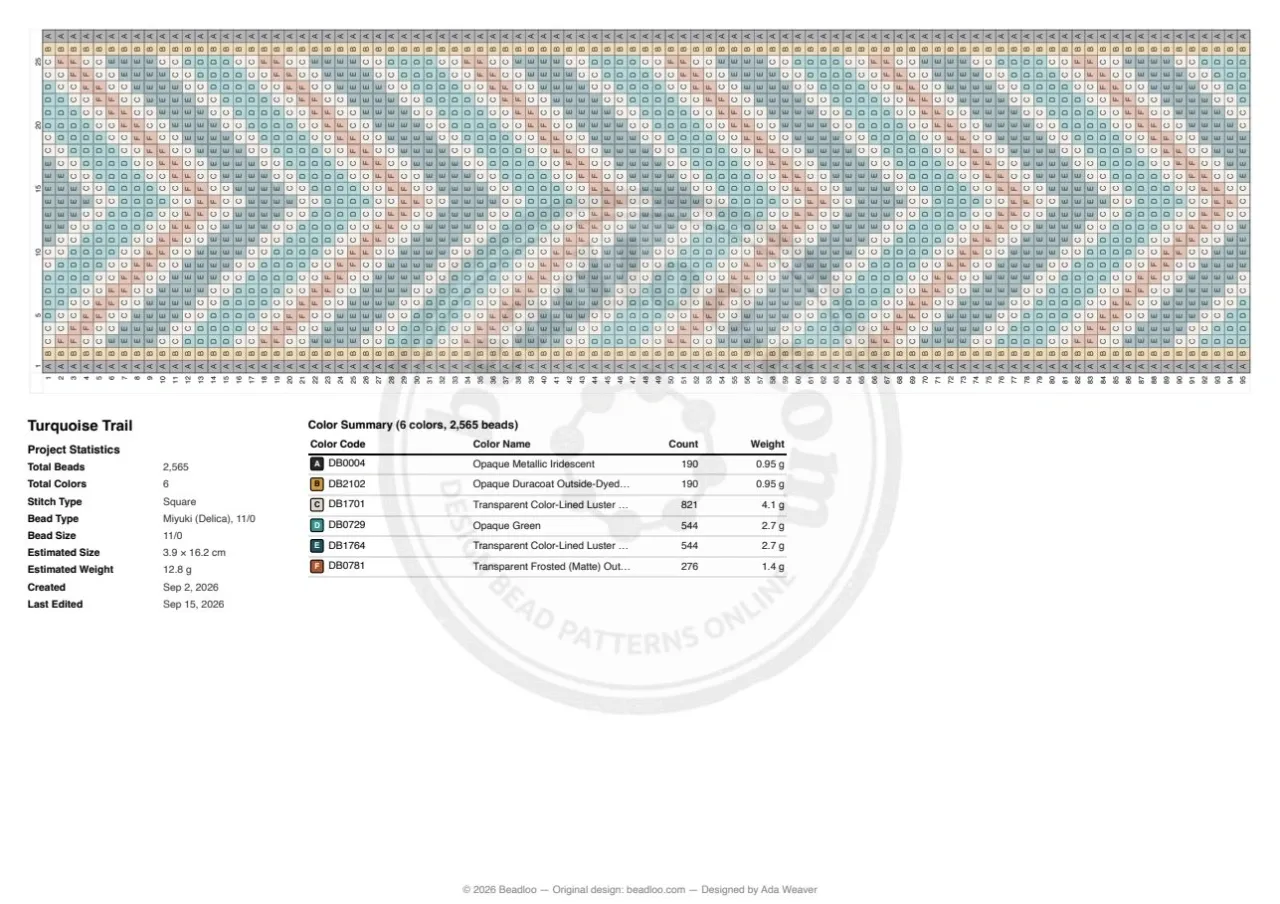
The same bracelet turned to run across the page, at about 2.9 mm per bead. Compare it with the upright version above.
Colors
Lightened or original colors
Lightened colors, the default, print soft tints of your beads with black letters. It's the classic chart look, easy to read and light on ink.
Original colors print your real bead colors. Each letter is black or white, whichever stands out more, and letters on mid tones get a thin outline so they stay readable.
Tip
Original colors are especially helpful for very large patterns that print without letters.
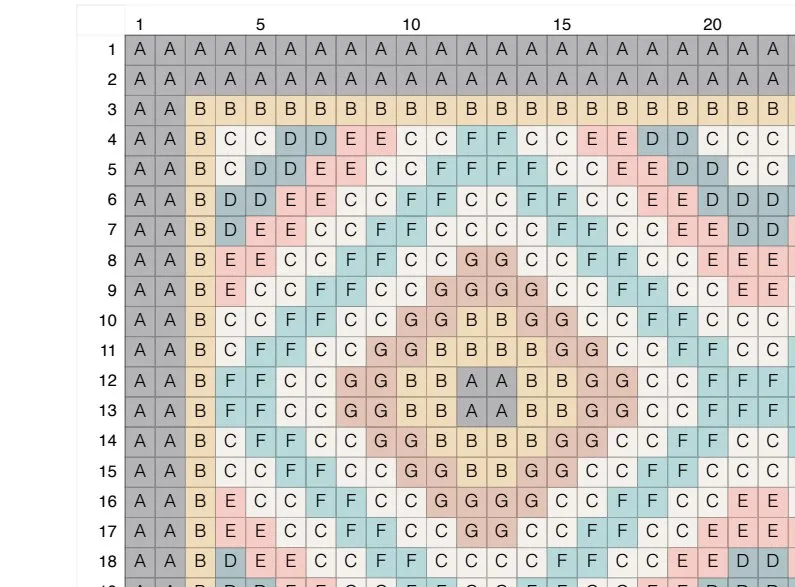
Earrings
Earring pages, redesigned
Triangular earring patterns have a new page layout. The pattern, the round-by-round diagrams, the statistics and the color key all have room, so nothing runs off the page, even with long color names or lots of colors.
Paper size, orientation and colors work for earrings too. On landscape, the statistics and key move to a column on the right.
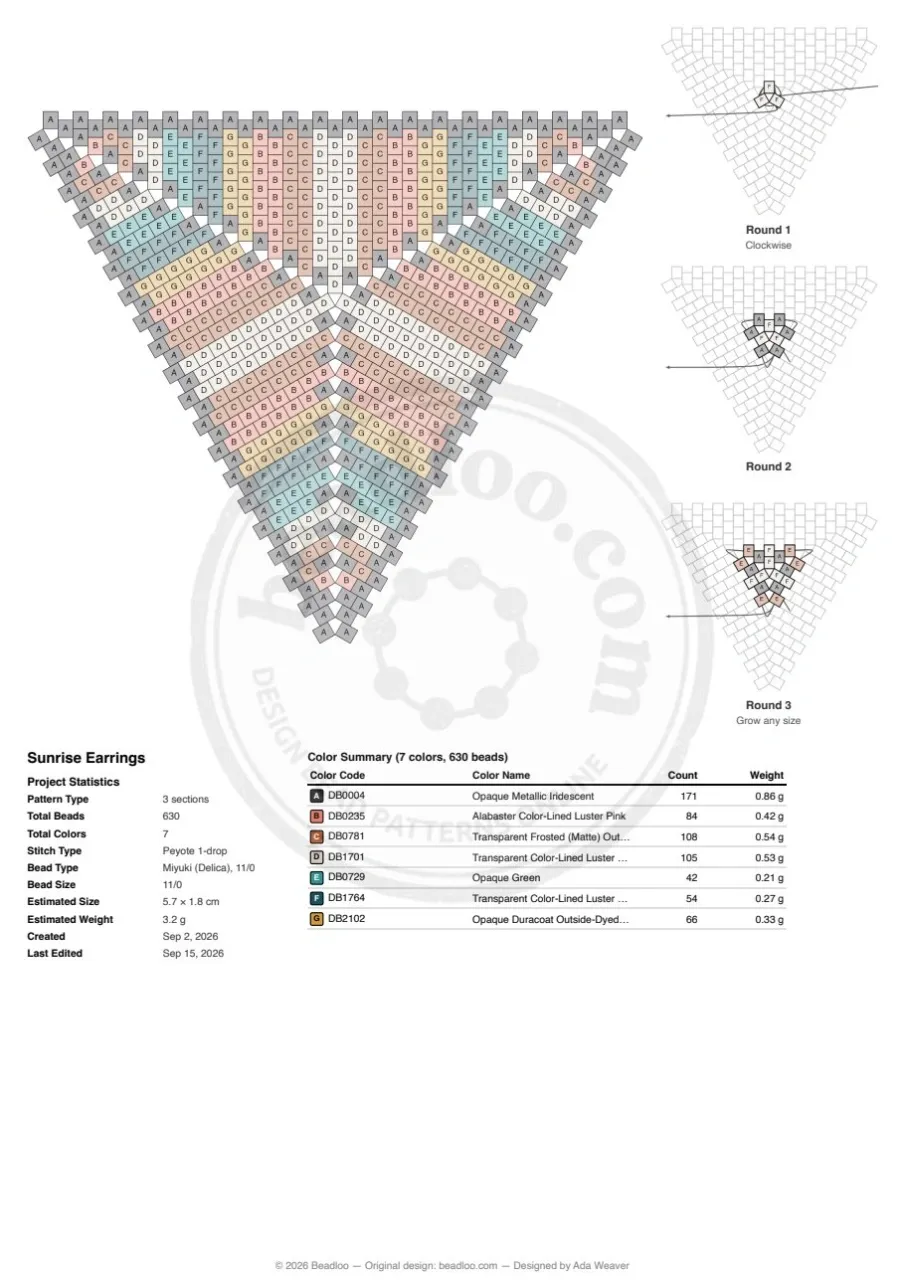
A 10-round triangular earring on A4 portrait. Example pattern
For PRO members
Branding, with a live preview
The Branding section now folds away just like Page setup, and its summary shows what's switched on. Turn on your brand logo or your watermark, and a preview of a branded page appears beside your settings, shaped like the paper and orientation you chose.
Want a different logo or watermark for this export? Select it in the preview to pick another one or add a new one. If you haven't set one up yet, the dialog tells you and links straight to Settings.
Your logo runs along the top of every page, and your watermark sits in the middle, in every layout, including split pages and earrings.
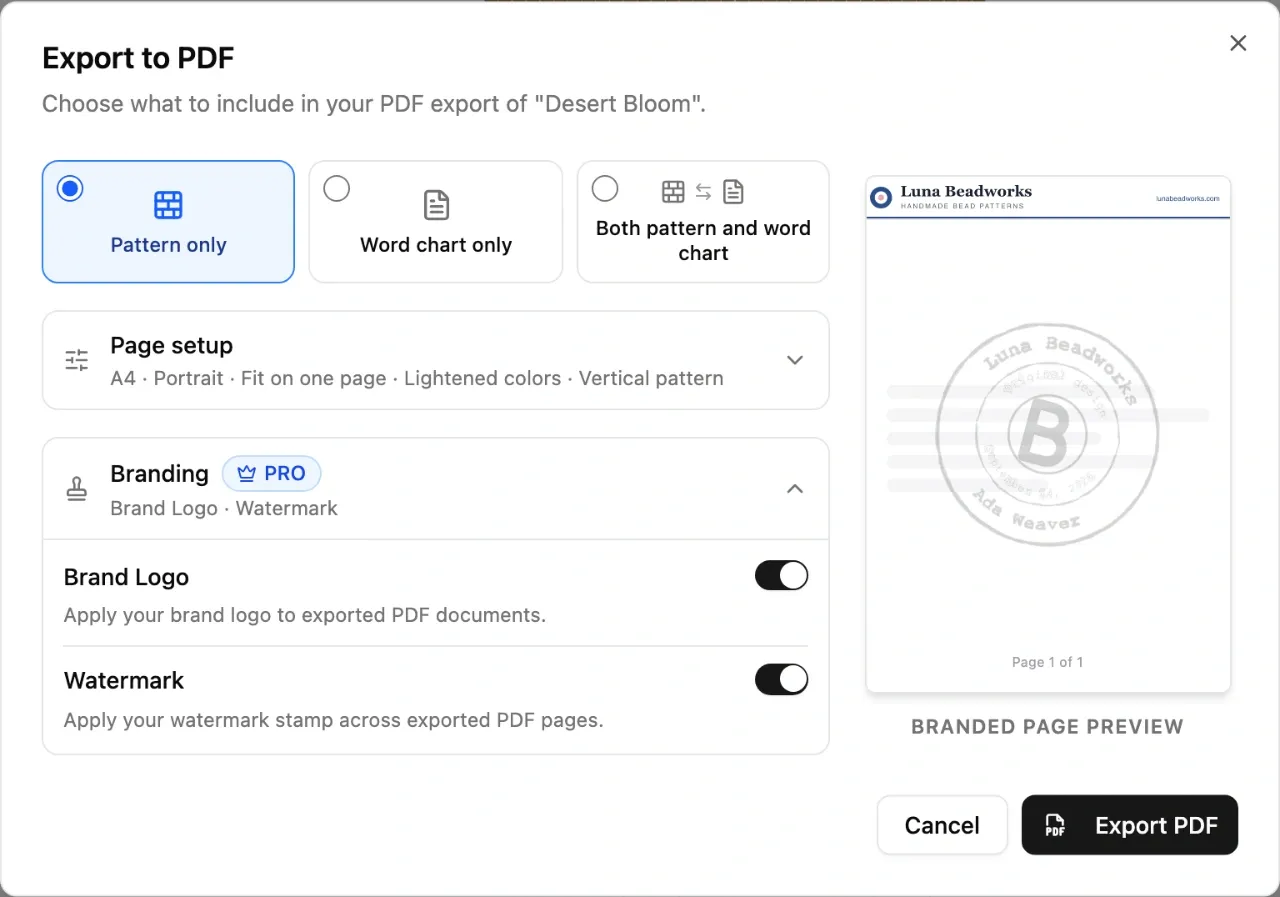
With the logo and watermark on, the dialog widens to show the preview. Example brand
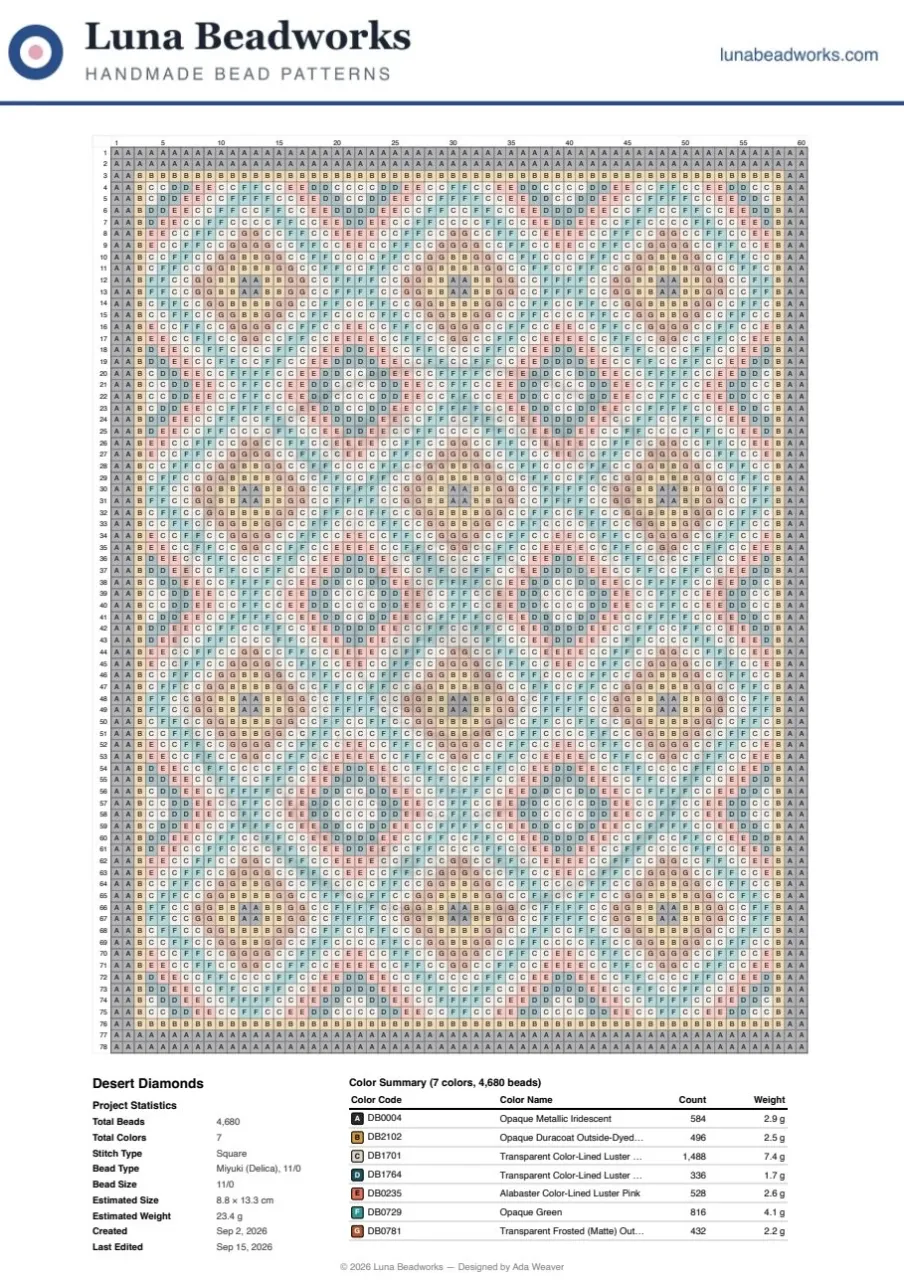
The exported page, with the brand's logo header and footer. Example brand
Printing
Tips for great printouts
- Print at 100% or "Actual size"
Every page keeps a quarter-inch (6.35 mm) margin that most home printers can reach, so there's no need for "Fit to page". Fit to page would only shrink your beads. - Match the paper in your printer
If your printer holds Letter paper, choose Letter in Page setup so nothing is cut off or scaled. - Don't worry about the footer
The page number and footer line sit inside the bottom margin. If your printer can't print that close to the edge, you only lose the footer, never your pattern. - Your choices are remembered
The next time you export, on this device, your paper, layout and colors are already set. - Works on your phone
The export dialog opens full screen, and the Export PDF button stays at the bottom where you can reach it.
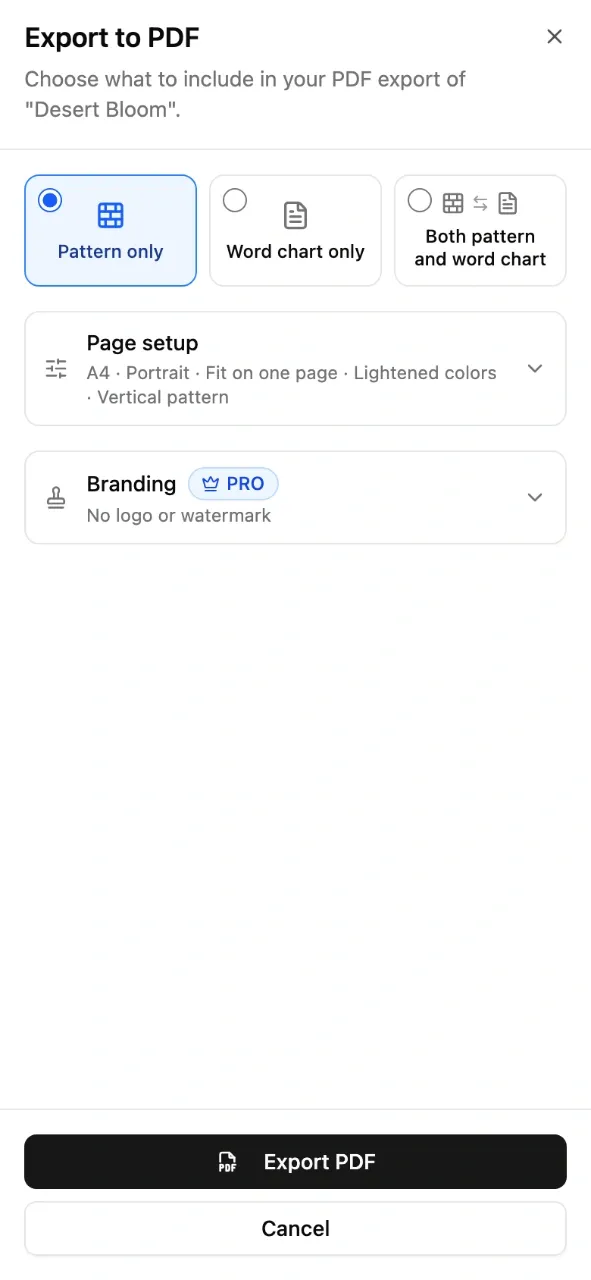
The export dialog on a phone.
Quick guide
Which settings should I choose?
| I want to… | Choose |
|---|---|
| See the whole pattern at a glance | Fit on one page |
| Bead from big, easy-to-read cells | Split across pages |
| Print a long bracelet as big as possible on one page | Landscape + Horizontal pattern |
| Keep the letters on a very large pattern | Split across pages |
| Match beads by color alone | Original colors |
| Save ink | Lightened colors |
| Print on US paper | Letter |
Got an idea for Beadloo?
Tell us what would make beading easier for you. Like Ana, you might just see your idea in a future update.
Comments
Sign in to join the conversation.
No comments yet. Start the conversation.